

7 Best HDMI Over Network Extenders in 2026?
Choosing an HDMI extender is not just a matter of buying the longest cable alternative. A stable picture depends on the source, display, network hardware, cable quality, and the video format you need. That is why this guide to the 7 Best Hdmi Over Network Extenders in 2026 looks beyond advertised distance. It considers resolution support, latency, setup demands, power options, and how clearly each product documents compatibility. Small details matter. A switch that handles ordinary office traffic may not suit every video distribution setup, especially when multicast configuration is required.
Networking pioneer John Gage’s famous line, “The network is the computer,” offers a useful lens for this category. He was speaking about computing broadly, not HDMI extenders; the distinction matters. In practice, an HDMI Over Network system is only as dependable as its complete signal path. A polished product page cannot tell you whether a receiver will fit neatly behind a wall-mounted display, or whether your existing network can carry the signal reliably. Those are easy details to overlook. This roundup aims to make them visible, while recognizing that the best choice depends on your installation, budget, and required image quality. No extender is ideal for every room. Check the specifications, confirm your network design, and verify compatibility with your actual source and display before buying.
What HDMI Over Network Extenders Do and How They Work
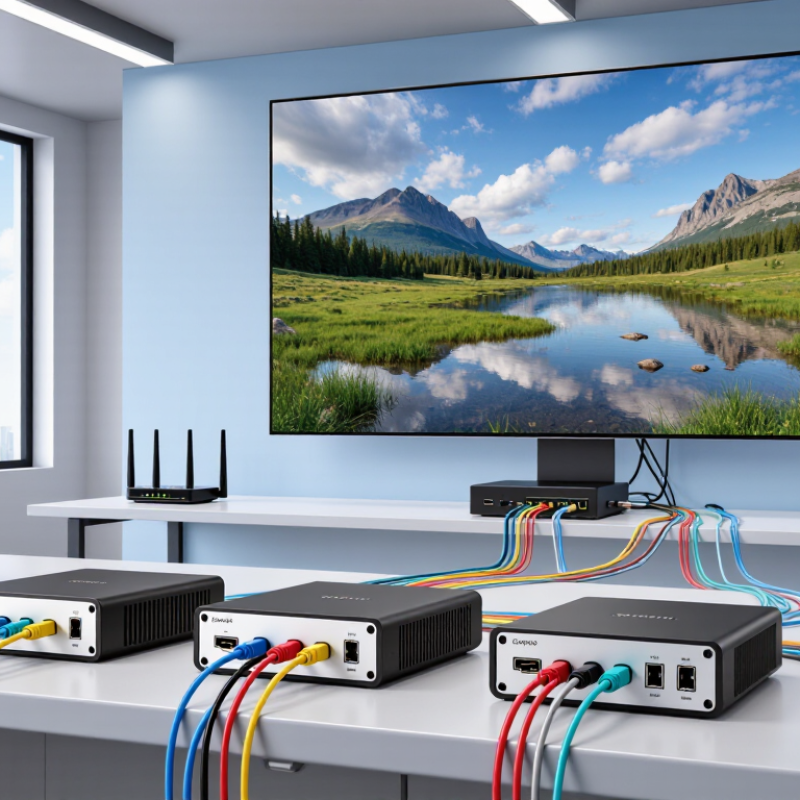
An HDMI over network extender moves a video signal beyond the reach of a typical HDMI cable. A transmitter connects to the source, such as a media player, while a receiver sits beside the display. The two units communicate over twisted-pair network cable or, in some systems, a local IP network. The cable may look ordinary, but the extender’s design determines what it can carry.
Some extenders send signals directly between paired units. Others convert video and audio into network data, then rebuild the HDMI signal at the receiver. That difference affects setup. A direct link may work without a network switch; an IP-based model may need one, along with enough network capacity. Many units also pass control signals, so a remote in another room can operate the source. Small detail. Compatibility still matters: resolution, refresh rate, audio format, and copy-protection support must match across the source, extender, and display.
Distance claims deserve a careful read. Cable quality, electrical interference, and connection points can all affect performance. A long run beside power cables may behave differently from a short test on a clear desk. I would not assume that any network cable will deliver the highest advertised resolution reliably. That is an easy assumption to make, and an annoying one to correct after installation. Check the extender’s supported formats and wiring requirements before routing cable through a wall.
7 Best HDMI Over Network Extenders in 2026? - What HDMI Over Network Extenders Do and How They Work
| Extender Type | How It Works | Typical Link and Range | Network or Cable Needs | Best Suited For | Key Limitation |
|---|---|---|---|---|---|
| Point-to-point Cat5e/Cat6 extender | A transmitter converts HDMI for a direct cable run to a receiver, which converts it back to HDMI. | Many installations target 1080p over roughly 50 m; actual performance depends on the extender and cable. | Usually a direct cable connection; many models are not designed to pass through an Ethernet switch. | Simple connections between a source and a display in a home, meeting room, or classroom. | Resolution, refresh rate, and distance vary considerably by model and cable quality. |
| HDBaseT-style extender for 4K at 30 Hz | Sends HDMI and, on some systems, control signals over a single category cable using a dedicated transmitter and receiver. | Some systems support runs approaching 100 m under specified conditions. | Requires compatible transmitter and receiver; cable type and installation quality matter. | Longer fixed installations where video and control need to travel over one cable. | Distance and supported video formats are product- and cable-dependent; it is not ordinary switched Ethernet. |
| HDBaseT-style extender for 4K at 60 Hz | Uses a compatible transmitter-receiver pair to carry higher-bandwidth HDMI formats over category cable. | Some systems reach long cable runs, but the maximum may be shorter for higher-bandwidth formats. | Requires a system rated for the required resolution, refresh rate, color format, and cable length. | Displays needing 4K at 60 Hz in conference rooms, studios, or digital-signage installations. | Not every 4K signal or cable run is supported; check chroma, HDR, and bandwidth specifications. |
| Compressed HDMI-over-IP extender | Encodes HDMI video into network data, sends it over IP, and decodes it at the receiver. | Uses standard Ethernet links; each copper Ethernet segment is generally limited to 100 m when the cabling and equipment support it. | Typically uses a Gigabit Ethernet network; multicast systems may require correctly configured switches. | Distributing video to multiple rooms or adding receivers across an existing network. | Compression can add latency or affect image quality; network configuration and traffic affect performance. |
| High-bandwidth HDMI-over-IP system | Transports video over a higher-capacity IP link, often with little or no compression. | Link distance depends on the Ethernet standard, cabling, and network equipment used. | May require 10GbE or another high-capacity link, compatible switches, and careful bandwidth planning. | Professional installations prioritizing image quality and low latency across an IP infrastructure. | Higher equipment and network costs; the required bandwidth can limit how many streams share a link. |
| PoE-powered extender system | Power over Ethernet supplies power to a compatible transmitter or receiver while the system carries video over cable. | Range is determined by the video transmission method and the supported cable run, not by PoE alone. | Requires compatible PoE equipment and a switch or injector with sufficient power capacity. | Installations where reducing local power adapters makes setup simpler. | PoE does not guarantee network-switch compatibility or extend the video signal beyond the system’s rated range. |
| HDMI extender with KVM or USB control | Carries HDMI together with USB signals so a remote keyboard, mouse, or other supported USB device can connect to the source. | Range depends on whether the system uses a direct category cable or an IP network design. | Check supported USB device types, bandwidth, and whether the system requires a dedicated link or managed network. | Remote computer operation, control rooms, and presentation spaces with equipment stored away from the display. | USB support varies; high-bandwidth peripherals may not work as expected over every extender. |
Selection note: These are common extender approaches, not a ranking of specific products. Published range and format support vary by system, cable, network equipment, and installation conditions. Confirm resolution, refresh rate, HDR, audio, control, and network requirements before choosing an extender.